

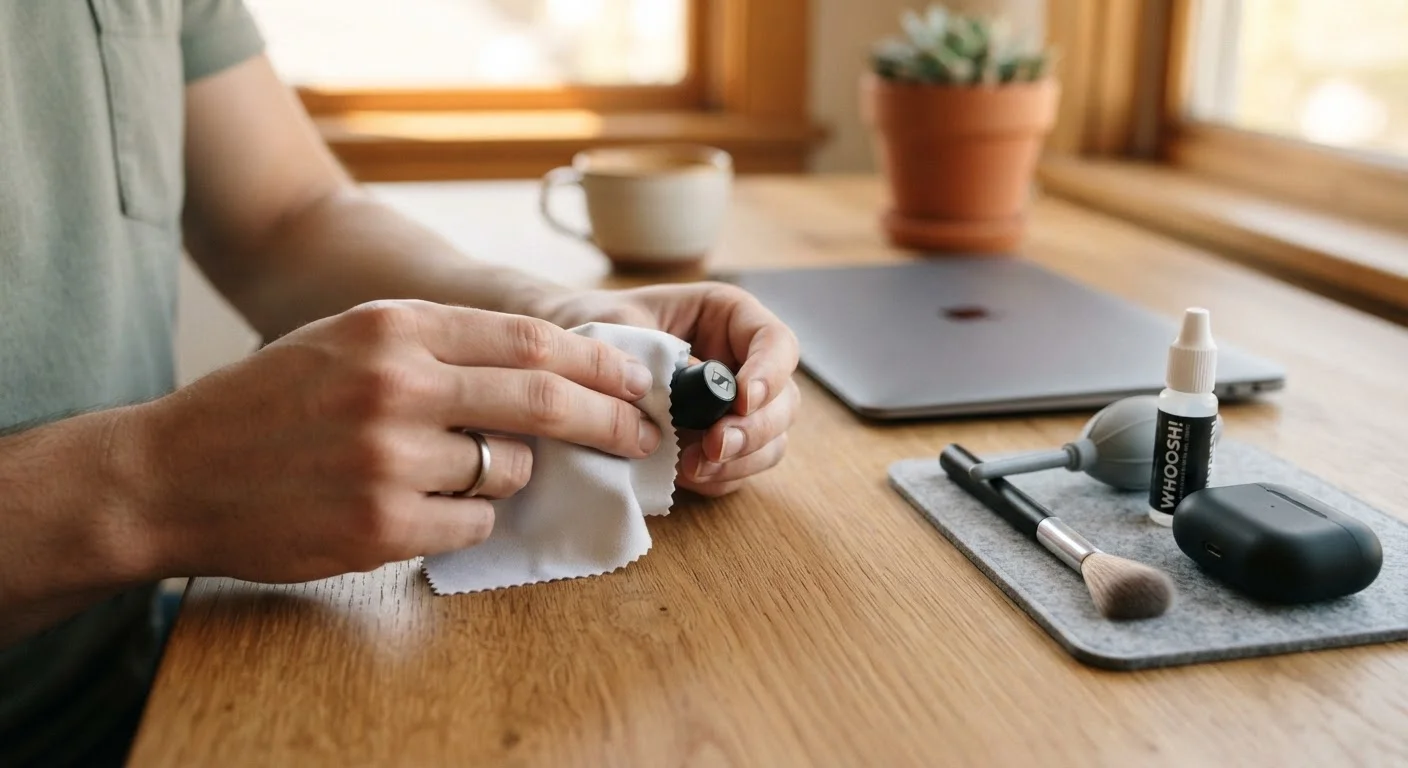
Why Budget Gadgets Need More Deliberate Care
Affordable electronics often use components with tighter tolerances — thinner casings, smaller thermal margins, and batteries calibrated for cost rather than longevity. That doesn't make them a bad value, but it does mean that careless use degrades them faster than it would a premium device built with more engineering redundancy.
The good news: most of what shortens a gadget's life is behavior, not inevitability. The habits below are grounded in how consumer electronics actually fail — not in manufacturer marketing claims. If you're thinking carefully about whether cheap tech is worth the tradeoff, our piece on the hidden costs of low-price tech is worth reading alongside this one.
Core Practices That Genuinely Extend Device Life
These aren't abstract tips — each one targets a specific failure mechanism common in budget hardware.
Keep heat away from your device during charging and heavy use.
Sustained heat is the single biggest accelerant of battery degradation and component failure in consumer electronics. Budget devices typically have less sophisticated thermal management, meaning heat builds up faster and dissipates more slowly. Even modest reductions in operating temperature can add months to a device's usable life.
Charge batteries within the 20–80% range whenever practical.
Lithium-ion batteries — standard in nearly all portable budget gadgets — degrade faster when repeatedly charged to 100% or drained near 0%. Keeping charge within the middle range reduces chemical stress on the battery cells over time. Many devices now include battery health settings that cap charging automatically.
Run software updates promptly, including firmware updates for non-phone devices.
Updates frequently include performance optimizations and bug fixes that reduce unnecessary CPU load — which in turn reduces heat and battery drain. Skipping updates on a budget device with limited processing power means carrying inefficiencies that compound over time.
Audit and remove unused apps and background processes regularly.
Budget devices have less RAM and storage headroom than premium alternatives. Apps running in the background consume both, causing the device to work harder, generate more heat, and drain the battery faster. A leaner app footprint directly translates to less wear.
Use a case and screen protector from day one — not after the first drop.
Physical damage from drops, scratches, and moisture is the most common cause of premature device retirement. Budget gadgets often use thinner glass and less robust chassis materials, making them more susceptible to impact damage. Protective accessories are far cheaper than repair or replacement.
Store devices at moderate temperatures when not in use.
Extreme cold can temporarily reduce battery capacity; extreme heat causes permanent chemical damage to lithium-ion cells. Leaving a device in a hot car repeatedly — even for short periods — measurably accelerates battery aging.
Quick Wins You Can Do Right Now
You don't need to overhaul every habit at once. Start with these high-leverage actions today and build from there.
For a broader look at how small, consistent tech decisions compound over time, see our guide on tech spending habits worth building early.
When Maintenance Meets Warranty — Know the Boundaries
Some care routines — like opening a device to clean internal fans or replacing a battery yourself — can void manufacturer warranties. Before attempting any internal repair on a device still under coverage, check the warranty terms carefully. Budget gadget warranties vary widely in what they cover and what they exclude, and the language is often more restrictive than it appears.
Our article on interpreting warranty language on affordable gadgets breaks down what to look for before you crack anything open. If a device is out of warranty, the calculus shifts — at that point, a careful DIY clean or battery swap is often worth the risk.
It's also worth separating myth from reality about everyday energy habits. Our fact-check on standby mode and idle appliances covers some of the same ground for household gadgets. The same principle applies: small, consistent choices matter more than one-off interventions.
This article provides general informational guidance about device care practices. It is not a substitute for advice from a qualified repair technician, and outcomes will vary depending on device type, manufacturer, and conditions of use.
The content provided on our blog site traverses numerous categories, offering readers valuable and practical information. Readers can use the editorial team’s research and data to gain more insights into their topics of interest. However, they are requested not to treat the articles as conclusive. The website team cannot be held responsible for differences in data or inaccuracies found across other platforms. Please also note that the site might also miss out on various schemes and offers available that the readers may find more beneficial than the ones we cover.