

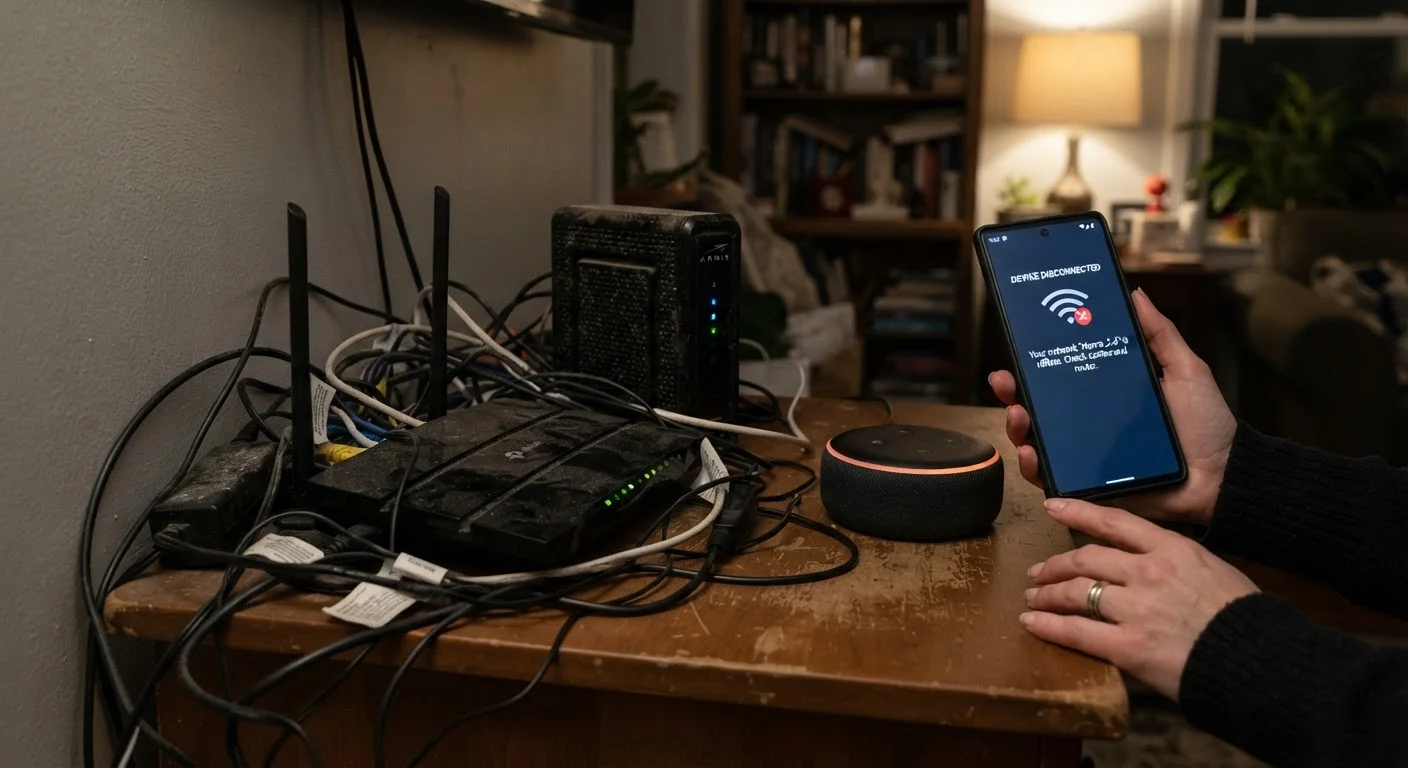
The Real Reason Your Smart Home Feels Broken
Smart home devices promise seamless, voice-activated convenience — but for many first-time buyers, the reality is a patchwork of unresponsive lights, automations that fire at random, and gadgets that refuse to talk to each other. The good news: most of these failures aren't hardware defects. They're the predictable result of a few avoidable setup mistakes.
Understanding what goes wrong — and why — is the fastest way to build a setup that actually holds together. Before adding any new device to your home, it's worth working through a structured review of compatibility and connectivity requirements. Our pre-purchase checklist walks you through exactly that.
Mixing incompatible smart home ecosystems without checking protocol support first.
Why it happens: Packaging rarely explains which protocol a device uses — Zigbee, Z-Wave, Wi-Fi, Thread — so buyers assume everything works together out of the box.
Placing smart devices too far from the router or in areas with concrete walls and interference.
Why it happens: Wi-Fi signal looks fine on a phone, but smart devices often use older, lower-power radios that drop connection well before a phone would.
Overloading a single 2.4 GHz Wi-Fi band with too many connected devices.
Why it happens: Most budget smart devices only support 2.4 GHz Wi-Fi, and routers have a practical ceiling on how many simultaneous connections they can handle reliably.
Skipping firmware and app updates after the initial setup.
Why it happens: Once a device is working, updating feels unnecessary — until a platform change or security patch breaks compatibility with an outdated firmware version.
Adding too many devices at once, making it impossible to isolate what's causing a problem.
Why it happens: The appeal of building out a full smart home quickly leads buyers to set up five or six devices in one session, then troubleshoot a system they don't fully understand.
Building a Setup That Lasts
The through-line across every mistake above is the same: smart home failures are almost always architectural, not accidental. A device that works in isolation may behave unpredictably the moment it's asked to share a network or respond to an automation involving another ecosystem.
57%
Smart home owners reporting connectivity issues
A Parks Associates survey found that over half of smart home device owners experienced connectivity problems within the first year of use.
2.4 GHz
Band used by most budget smart devices
The majority of low-cost smart home devices connect only on the 2.4 GHz band, which is more prone to congestion in multi-device homes than the 5 GHz band.
The most durable approach is to pick one primary ecosystem early — whether that's one centered on a voice assistant, a hub protocol like Matter, or a dedicated app platform — and evaluate every new device against it before buying. Devices that straddle multiple ecosystems often promise interoperability but deliver inconsistency.
It's also worth understanding the trade-offs between hub-based and hub-free setups before committing. Our article on hub-based vs hub-free smart homes breaks down how each approach affects reliability and control.
Finally, network security is part of reliability. Smart devices that are poorly secured can disrupt your whole home network. Practical network habits can reduce risk without requiring advanced technical skills. For budget-friendly options worth considering as you build out your setup, see our entry-level smart home device guide.
The content provided on our blog site traverses numerous categories, offering readers valuable and practical information. Readers can use the editorial team’s research and data to gain more insights into their topics of interest. However, they are requested not to treat the articles as conclusive. The website team cannot be held responsible for differences in data or inaccuracies found across other platforms. Please also note that the site might also miss out on various schemes and offers available that the readers may find more beneficial than the ones we cover.