

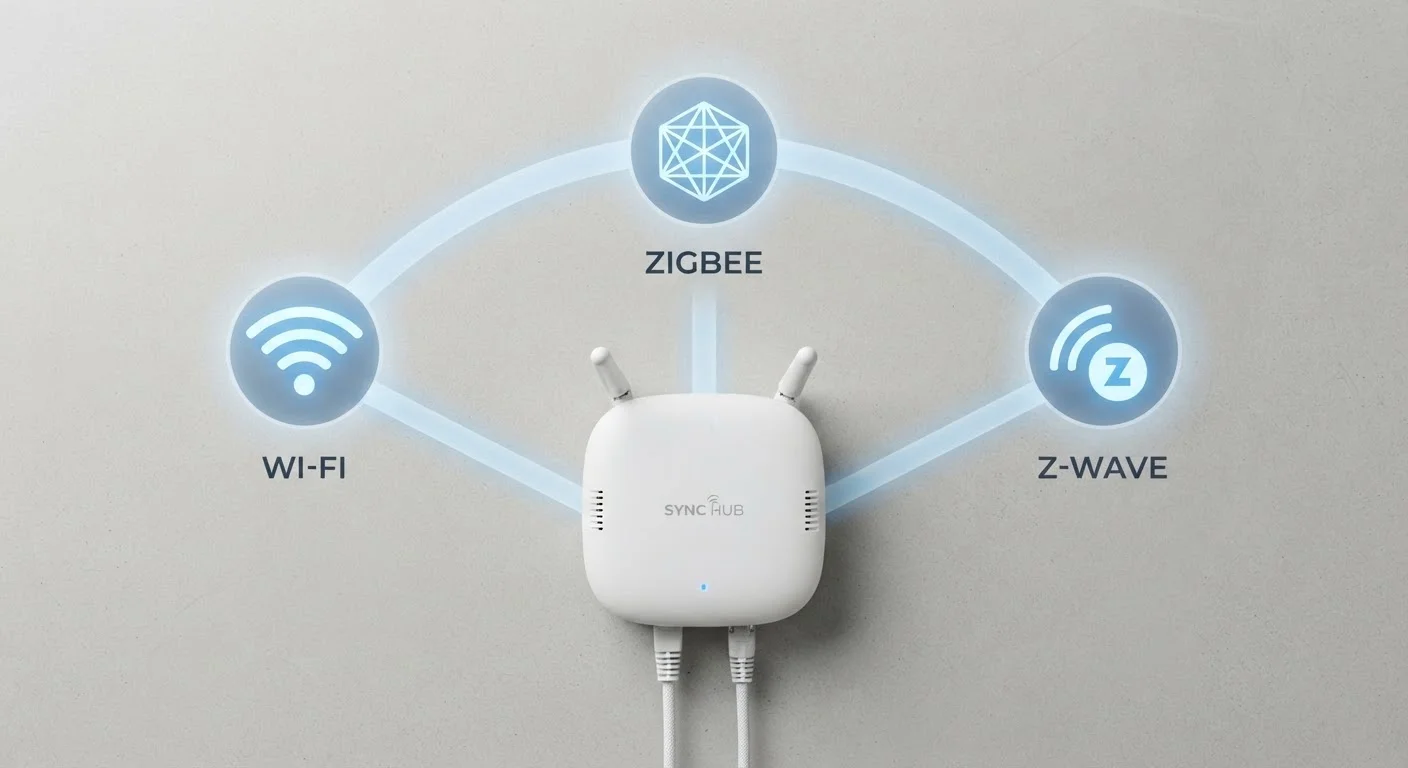
Why the Protocol Question Matters Before You Buy
When you're shopping for a smart plug, bulb, or sensor, the packaging usually highlights features — voice assistant support, app control, energy monitoring. What it often buries in small print is the protocol: the wireless language the device actually speaks. Get that wrong, and you could end up with a device that doesn't connect to anything else you own, or one that overloads your home network.
If you're just getting started, our plain-language smart home explainer is worth reading first. But once you understand the basics, the protocol question is the next most important one to answer — especially on a tight budget where a bad purchase stings more.
Compatibility Isn't Guaranteed Within a Protocol
Even devices that share the same protocol — say, two different Zigbee products — may not work together without a compatible hub in between. Some manufacturers implement proprietary extensions on top of standard protocols. Always check confirmed compatibility lists for your specific hub and devices, especially before committing to a purchase.
This article covers general educational information about wireless protocols. Device compatibility varies by manufacturer and specific product. Always verify compatibility claims before purchasing.
Wi-Fi: The Easiest Start, With Trade-Offs
Wi-Fi smart devices connect directly to the router you already have at home. No extra hardware required — you download an app, connect the device to your 2.4 GHz or 5 GHz network, and it works. That simplicity is why Wi-Fi dominates entry-level smart home products.
The trade-offs become visible as your setup grows. Each Wi-Fi device occupies a slot on your router's network. Consumer routers typically handle 20–30 connected devices reasonably well, but add a dozen smart bulbs, a few plugs, cameras, and a thermostat, and you may notice congestion. Wi-Fi devices also draw more power than alternatives, making them poorly suited for battery-operated sensors that need to run for months without a charge.
Wi-Fi works well for devices that are always plugged in — smart plugs, displays, and video doorbells — and for households building a small, simple setup. If you're planning something more expansive, consider what that growth looks like before committing to Wi-Fi for everything.
2.4 GHz
Frequency shared by Wi-Fi and Zigbee
Both Wi-Fi (2.4 GHz band) and Zigbee operate on the same frequency, which can cause interference in environments with many competing wireless signals.
~908 MHz
Z-Wave operating frequency in the US
Z-Wave uses a sub-gigahertz frequency exclusive to its protocol in the US market, reducing the risk of signal interference from Wi-Fi and Bluetooth devices.
232
Maximum devices on one Z-Wave network
The Z-Wave specification supports up to 232 devices per network, making it technically capable of handling large-scale home automation setups.
Zigbee: The Mesh Network Built for Scalability
Zigbee operates on a mesh network, which means devices don't all connect back to one central point. Instead, each device can relay signals to nearby devices, extending the network's reach organically. Add more devices, and the network typically becomes more reliable — the opposite of what happens with Wi-Fi.
Zigbee runs on the 2.4 GHz frequency, the same band as many Wi-Fi routers and microwaves, which can introduce occasional interference. However, Zigbee's low-power design and mesh architecture help it remain responsive in typical home environments. Devices like motion sensors, door contacts, and smart bulbs are common Zigbee applications because they need long battery life and consistent responsiveness.
The catch is cost and complexity up front: Zigbee devices require a compatible hub. Some popular smart speakers and home platforms include Zigbee support built in, which removes the need for a separate purchase — but confirm this before assuming. For a closer look at how smart lighting specifically works across protocols, see how bulbs, switches, and strips actually work together.
Z-Wave: Dedicated Frequency, Strong Ecosystem
Z-Wave operates on a lower radio frequency — around 908 MHz in the US — that isn't shared with Wi-Fi, Bluetooth, or most other consumer wireless devices. That dedicated frequency means Z-Wave networks tend to experience less interference in busy wireless environments like apartments or densely built neighborhoods.
Like Zigbee, Z-Wave uses a mesh network and is well-suited to low-power applications. It also enforces stricter certification requirements, which means Z-Wave devices from different manufacturers are generally more reliably compatible with each other than Zigbee devices can be. The downside: Z-Wave devices often carry a higher price tag, and the ecosystem — while solid — has fewer product options than Zigbee or Wi-Fi.
Z-Wave is a reasonable consideration if you're prioritizing reliability and plan to build a more extensive setup over time. Understanding whether you'll need a hub for either Zigbee or Z-Wave is part of that planning — our hub vs. hub-free breakdown explains what that decision actually involves.
Choosing a Direction Without Overcomplicating It
Most first-time buyers don't need to fully optimize their protocol choice — they need to avoid a mismatch that makes devices useless. A few practical principles help here:
- Start with what your hub supports. If you already own a smart speaker or hub, find out which protocols it supports natively before buying any devices.
- Think about device types. Always-plugged-in devices tolerate Wi-Fi well. Battery-powered sensors and locks are better served by Zigbee or Z-Wave.
- Plan for growth. A small Wi-Fi-only setup is fine for two or three devices, but mixing protocols later is harder to manage. A little upfront planning prevents the frustration of incompatible gear later on.
Protocol confusion is one of the leading reasons new smart home setups run into trouble. Common reasons smart home setups fail — and how to avoid them — is worth reviewing before you commit to a direction. If you're working with a tight budget, understanding entry-level smart home devices can help you figure out where the real trade-offs are before spending anything.
Frequently Asked Questions
In most cases, yes. Zigbee and Z-Wave devices don't connect directly to your Wi-Fi router. They need a compatible hub — sometimes called a bridge or gateway — that translates their signals and connects them to the internet or your smart home app.
They can, but usually only through a hub or smart home platform that supports multiple protocols. Without a shared hub, devices using different protocols generally can't communicate directly with each other.
Wi-Fi is designed to stream large amounts of data constantly, which requires more energy. Zigbee and Z-Wave send small, infrequent commands — like 'turn on' or 'lock door' — so they're engineered for low power consumption, making them practical for battery-operated sensors and locks.
There's no single right answer — it depends on your goals and budget. Wi-Fi is easiest to start with since you likely already have a router. Zigbee or Z-Wave makes more sense if you plan to add many devices and want a more stable, dedicated network. This article is general information; evaluate your specific situation before purchasing.
Not always. While Zigbee is a standard, some manufacturers add proprietary layers that limit compatibility. Always check whether a specific device and hub have been confirmed to work together before assuming they will.
It can. Every Wi-Fi smart device joins your router's network and competes for bandwidth. A crowded router can lead to slower internet for phones and laptops. Zigbee and Z-Wave run on their own separate networks, so they don't add congestion to your main Wi-Fi.
The content provided on our blog site traverses numerous categories, offering readers valuable and practical information. Readers can use the editorial team’s research and data to gain more insights into their topics of interest. However, they are requested not to treat the articles as conclusive. The website team cannot be held responsible for differences in data or inaccuracies found across other platforms. Please also note that the site might also miss out on various schemes and offers available that the readers may find more beneficial than the ones we cover.